 01 / 03
TecTecTec / Golf
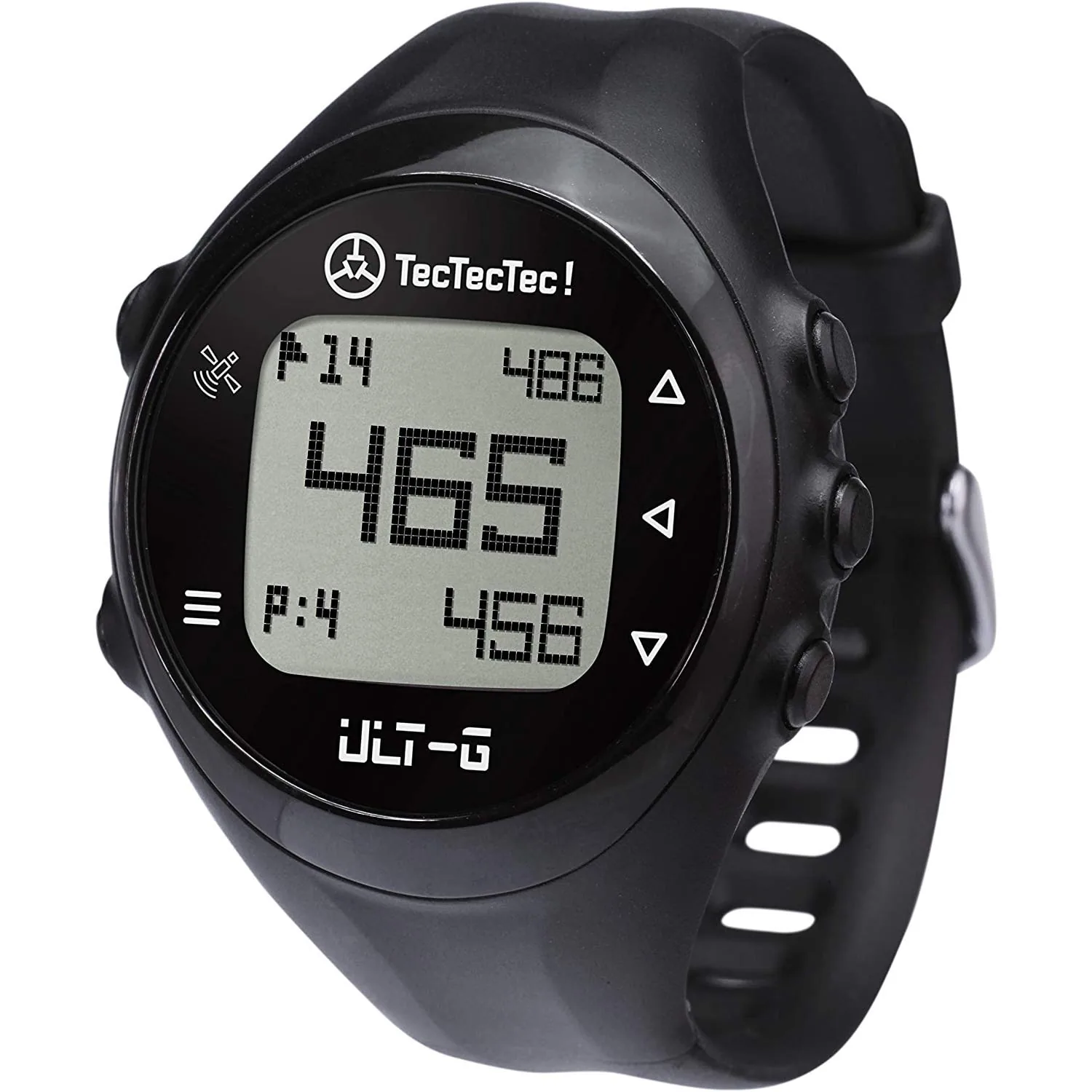
ULT-G Golf GPS watch
Your distances, on your wrist.
The ULT-G golf GPS watch shows distances to the front, centre and back of the green, as well as hazards. Preloaded courses and automatic hole advance support your round without a connected phone.
Available
Prices include VAT. Standard EU delivery: €5 below €25 of items, free from €25. Delivery in 3–6 working days.
Explore the detailsGreen distances
Preloaded courses
Hole advance
 ULT-G / On the course
On the course
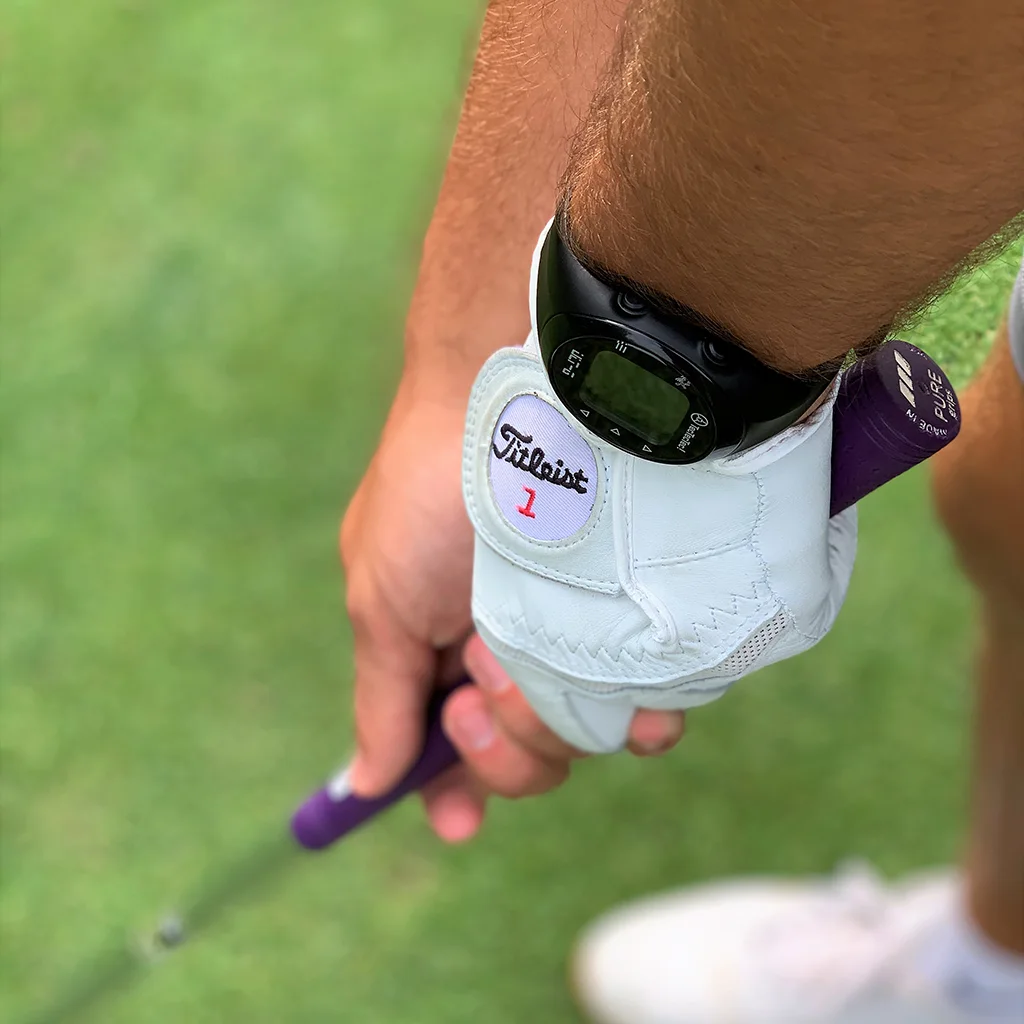
A glance at your wrist. Plan your next shot.
Your way.
The ULT-G golf GPS watch shows distances to the front, centre and back of the green, as well as hazards. Preloaded courses and automatic hole advance support your round without a connected phone.
- Read the green.
- Follow your round.
- Keep your distances close.
01 / ULT-G
Read the green.
Check the three green distances and hazards before planning your next shot.
02 / ULT-G
Follow your round.
The GPS recognises the course and advances to the next hole automatically. Use the buttons to access information as you play.
03 / ULT-G
Keep your distances close.
Read the backlit display on your wrist. Preloaded courses let you play without a phone app.
The manufacturer’s introduction
Discover ULT-G on video.
Playing connects your browser to YouTube and loads the manufacturer’s original video. Available subtitles can be selected in the player. Open on YouTube ↗
The details
The details
The ULT-G golf GPS watch shows distances to the front, centre and back of the green, as well as hazards. Preloaded courses and automatic hole advance support your round without a connected phone.
- Type
- Golf GPS watch
- Green
- Front, centre and back distances
- Hazards
- GPS distances
- Course
- Automatic recognition
- Navigation
- Automatic hole advance
- Controls
- Physical buttons and backlit display
- On the course
- No connected phone required
Get to know your equipment
ULT-G / Manual
PDF · Manufacturer manual
Good to know
Your questions, answered.
Another question? Our team will reply privately by email.
Ask a question about this product ↗Do I need a phone on the course?
No. The watch uses its own GPS and preloaded courses to display distances.
How do I start a round?
Start the GPS search outdoors with a clear view of the sky, then select your course following the manual.
How do I request a course update?
Contact customer service with the course name and the model ULT-G. Our team can help you check the procedure for your watch.
Is ULT-G the same as Ultra-Light?
No. ULT-G is a watch; Ultra-Light is a handheld GPS. Give the exact model when asking for a manual or part.
Customer reviews
No customer reviews yet.