Hear the numbers you need.
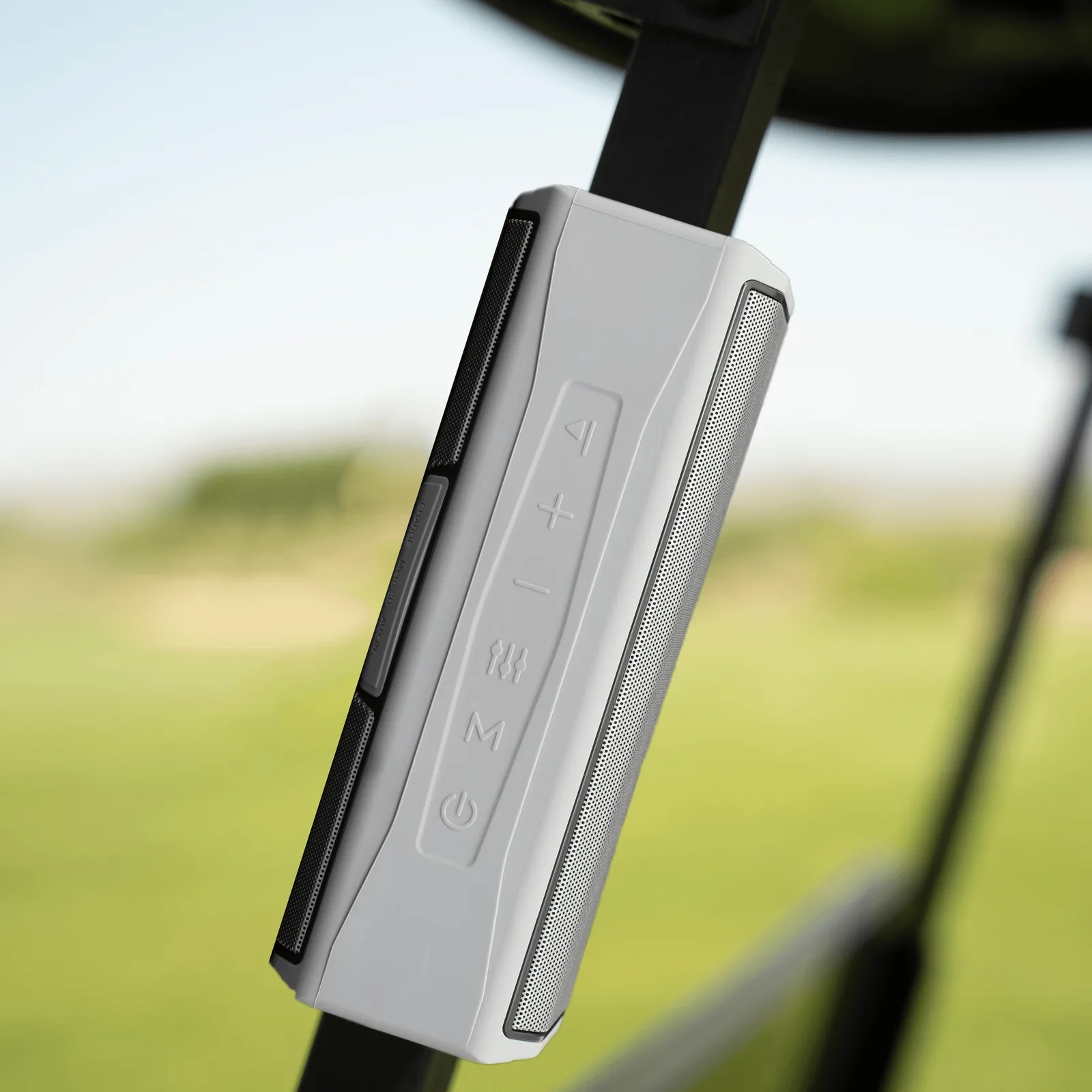
Press the distance button for front, middle and back green distances. Double-press for nearby hazards, or press and hold to measure the distance between shots.

 01 / 03
TecTecTec / Golf
Your music. Your distances. Your round.
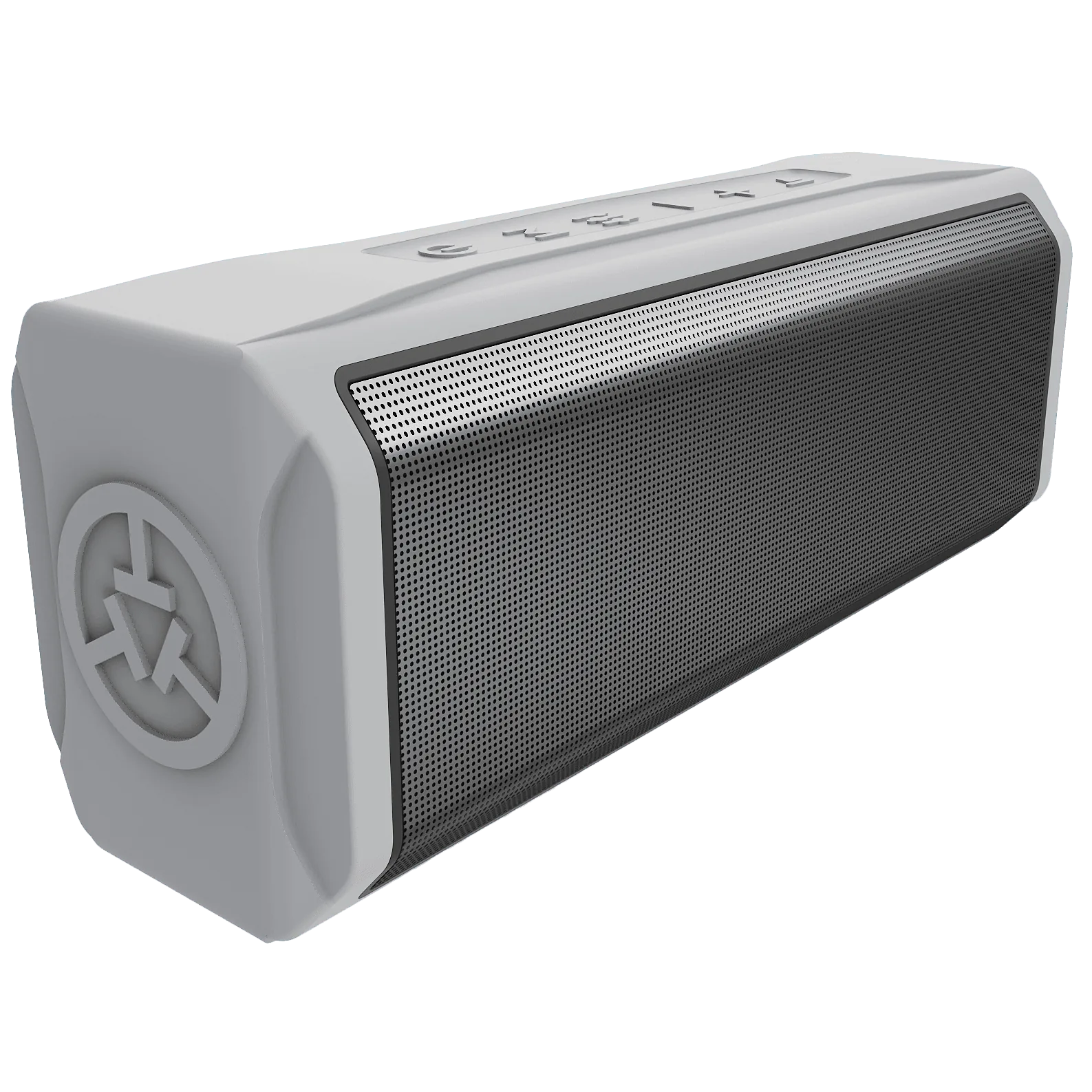
Bring music and audible distances to your round with the TEAM8 L golf GPS speaker. Its GPS features use the TecTecTec app on a connected phone with location access and an Internet connection.
Out of stock
Secure checkout. Free Standard delivery to the contiguous US.
Standard deliveryFree
USPS Priority Mail$10.00
Sound for the course
Press the distance button for front, middle and back green distances. Double-press for nearby hazards, or press and hold to measure the distance between shots.
The TEAM8 L combines two 15-watt drivers for 30 watts of sound. Bluetooth lets you play music from your phone, with volume and playback controls on the speaker.
GPS distances use your phone's position. Keep the phone nearby, connected to the speaker and online, with location access enabled for the TecTecTec app.
The details
Two 15-watt drivers combine for 30 watts of sound, with physical controls for music and GPS distance announcements.
Get to know your gear
PDF · 4.9 MB · 20 pages
Good to know
Have another question? Our team will reply privately by email.
Ask a product question ↗Yes. Use the TecTecTec app on your phone, enable location access and pair the TEAM8 L over Bluetooth. The GPS features require an Internet connection through Wi-Fi or cellular data.
Distances are based on your phone's location. Keep your phone with you when checking a distance, even if the speaker is mounted on your cart.
With a round running in the app, press the distance button once for the front, middle and back of the green. Press it twice for nearby hazards, or hold it to measure the distance between shots.
The TEAM8 L charges through its USB-C port.
Real sales have not opened yet. Products with verified stock can be added to the test cart. Test payments create simulated orders only; nothing is physically shipped.
From our customers
Loading customer reviews…
No customer reviews to display yet.