
 01 / 03
TecTecTec / Golf
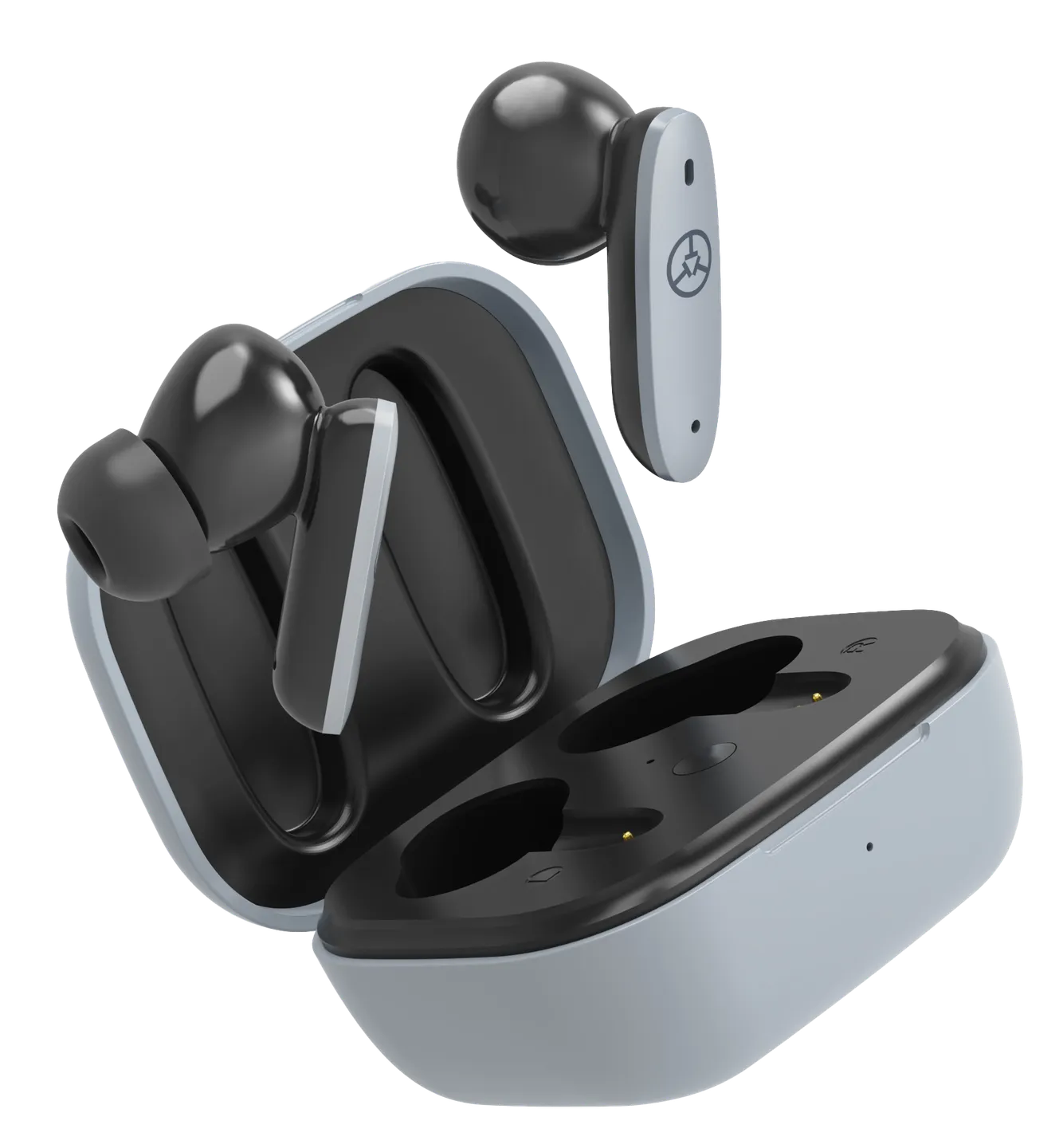
TEAM8 E Golf GPS Earbuds
Your music. Your distances. Your round.
Listen to your distances with TEAM8 E golf GPS earbuds. Touch controls put green and hazard information in your ear, with music and phone calls through your connected smartphone. Golf GPS uses the TecTecTec app and your phone’s location.
In stock
Secure checkout. Free Standard delivery to the contiguous US.
Standard deliveryFree
USPS Priority Mail$10.00
Green distances
Tap for nearest hazard
Shot-distance measurement
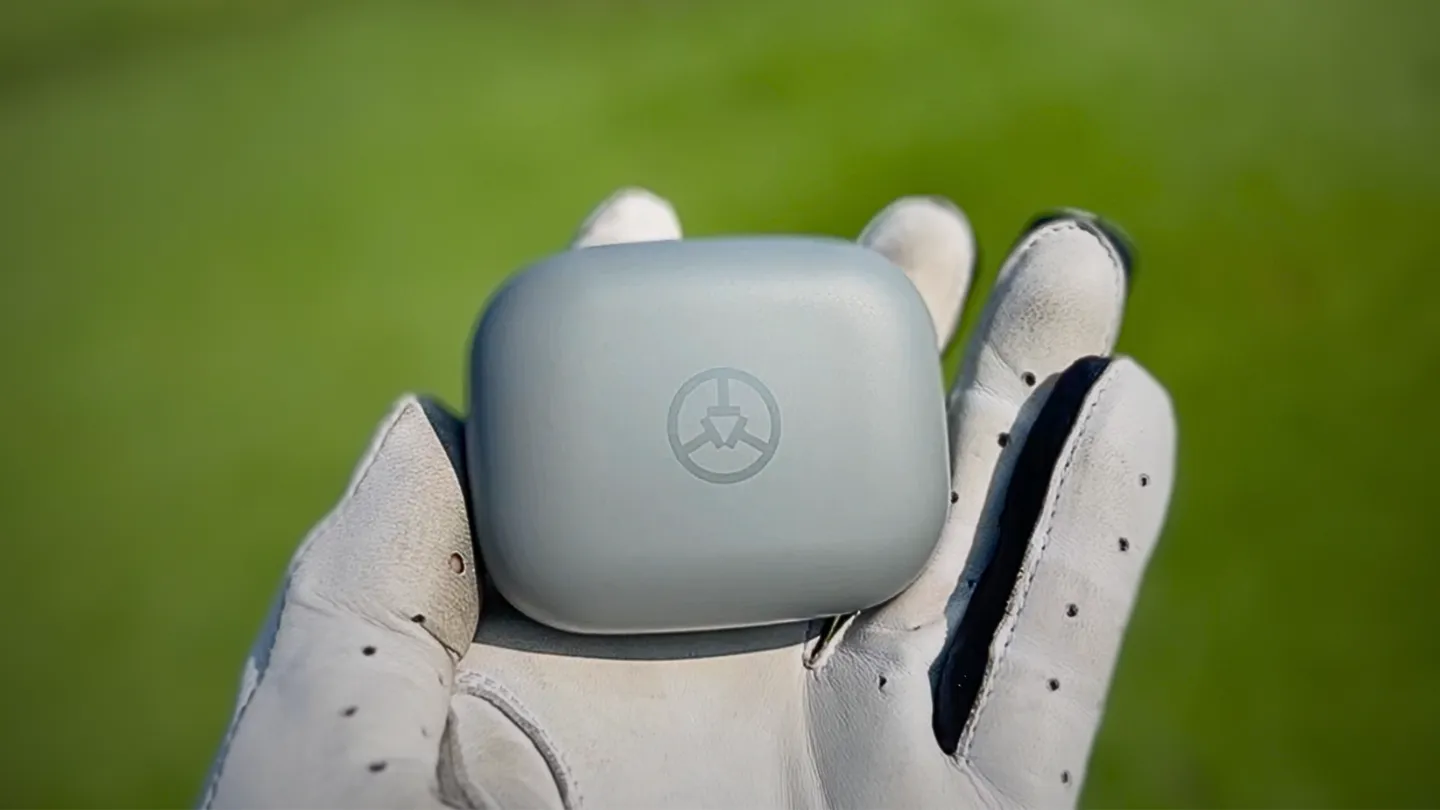 TEAM8 E / Gray
Golf GPS / In your ear
Your distances.
Your own soundtrack.
Hear what you need for the next shot and keep your music personal. TEAM8 E combines audible golf distances with earbuds for your connected phone.
- Touch controls for green & hazard distances
- Music & calls through your phone
- GPS powered by the TecTecTec app
Right earbud / Golf
A touch.
Your next distance.
Keep the phone with you and use the right earbud to request your readings.
- Tap onceHear the distance to the green. Choose middle only or front, middle and back in the app.
- Tap twiceHear the distance to the nearest hazard.
- Press and holdMeasure the distance of your shot. Follow the sequence in the user manual.
Left earbud / Music & calls
Keep your rhythm.
Stay in touch.
Your phone handles music and calls; the left earbud gives you the controls.
- Tap oncePlay or pause your music.
- Tap twiceAnswer or end a phone call.
- Press and holdReject an incoming call.
Your phone is part of the setup
Pair. Open the app.
Take your phone along.
Golf distances are measured from your phone’s location. Pair TEAM8 E over Bluetooth, connect it in the TecTecTec Golf GPS app and allow the required location access. Keep the connected phone with you as you play.
Get the TecTecTec Golf GPS app ↗The details
A touch of golf.
The right earbud controls golf distances; the left controls music and calls. Keep your connected phone with you: GPS distances are measured from its location.
- Product type
- Golf GPS earbuds
- GPS source
- Connected smartphone + TecTecTec Golf GPS app
- Green distances
- Front, center and back
- Hazards
- Nearest hazard · double tap right earbud
- Shot measurement
- Press and hold right earbud
- Music
- Play / pause · tap left earbud
- Calls
- Answer / end · double tap left earbud
- Colors
- Gray or Yellow
- Charging
- Charging case
Get to know your gear
Your TEAM8 E manual.
PDF · 2.5 MB · 44 pages
Good to know
A few more details.
Have another question? Our team will reply privately by email.
Ask a product question ↗Do TEAM8 E earbuds have standalone GPS?
No. Golf distances use the TecTecTec Golf GPS app and the connected phone’s location. The golf features also require a continuous Wi-Fi or cellular Internet connection. Pair the earbuds and grant the app the location permissions described in the manual.
Can I use only the right earbud for golf?
Yes. The right earbud controls green and hazard distances and shot-distance measurement.
How do I pause music or answer a call?
Tap the left earbud once to play or pause music. Tap twice to answer or end a call; press and hold to reject an incoming call.
Where are distances measured from?
From your connected phone’s location, not from the earbuds. Keep the phone with you while using the golf features.
Why does the sound come from my phone instead of the earbuds?
Open your phone’s Bluetooth settings and pair TEAM8 E for audio, following the manual. You may see two TEAM8 E entries in the Bluetooth settings.
Can I order from the new store now?
Real sales have not opened yet. Products with verified stock can be added to the test cart. Test payments create simulated orders only; nothing is physically shipped.
From our customers
Customer reviews.
Reviews may cover different colors or versions of this product.
Loading customer reviews…