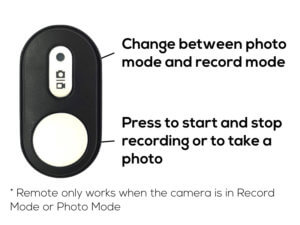
3 Steps to Pair Remote with XPRO4 Camera
Watch Tutorial Video here:
Selecting play allows YouTube to receive device and viewing information and use cookies or similar storage. You can close the player at any time. YouTube privacy
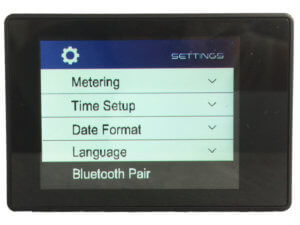
Step 1: Turn on the XPRO4 and open Bluetooth Pair Function (How do I open Settings?)
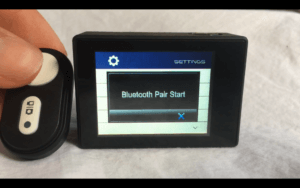
Step 2: When the XPRO4 shows Bluetooth Pair Start, press any button on your remote ONCE
Step 3: Wait until the XPRO4 shows Bluetooth Pair Success
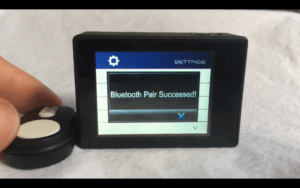
Now you can start using your remote to control your XPRO4 🙂