
You may find the VPRO1 mini projector easier to use with a mouse or keyboard.
If your USB keyboard is configured as QWERTY instead of AZERTY, follow these steps to select the French AZERTY layout.
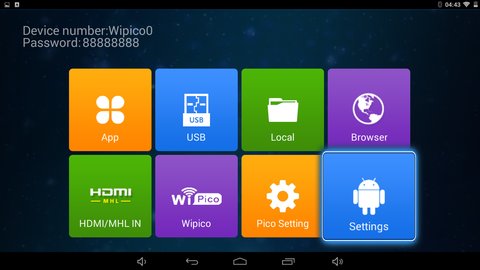
Open Settings:
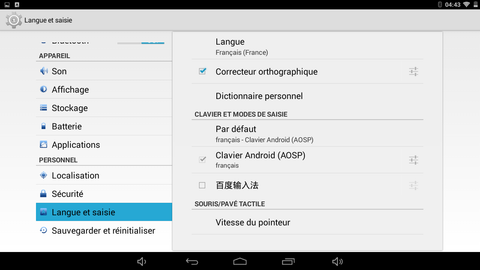
Open “Langue et saisie” (Language & input):
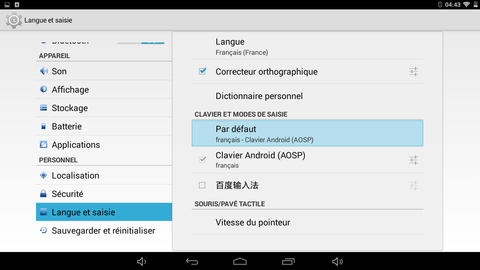
Under “Clavier et modes de saisie” (Keyboard & input methods), select “Par défaut” (Default):
Enable “Matériel Clavier Physique” (Physical keyboard):
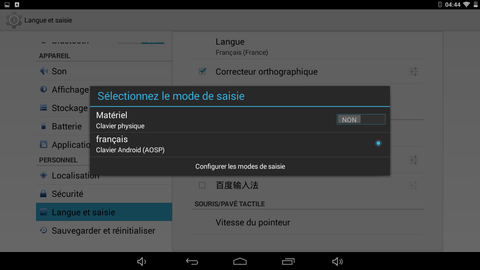
Check that the language is Français.
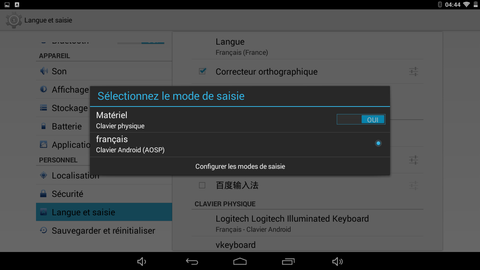
Your keyboard now uses the AZERTY layout.