
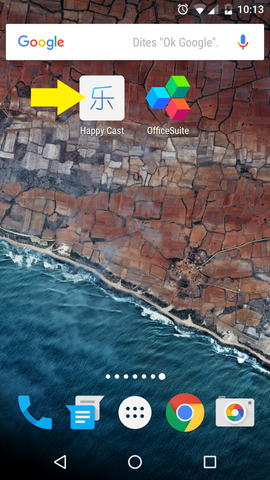
Find Happy Cast in VPRO1 applications and open it. Then download the application using this link and install it on your Android phone. (Ensure that you have authorized third-party application installation.)
Open Happy Cast.
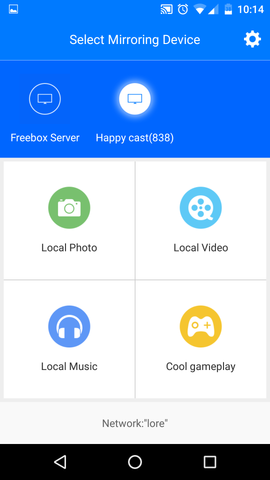
Select the mini projector (Here “Happy cast (838)”). The smartphone and the mini projector must be connected to the same WiFi network. (You can also create a network with your smartphone. See the tutorial here.)
As the mirroring begins, the screen of your smartphone should be projected by the VPRO1 mini projector.