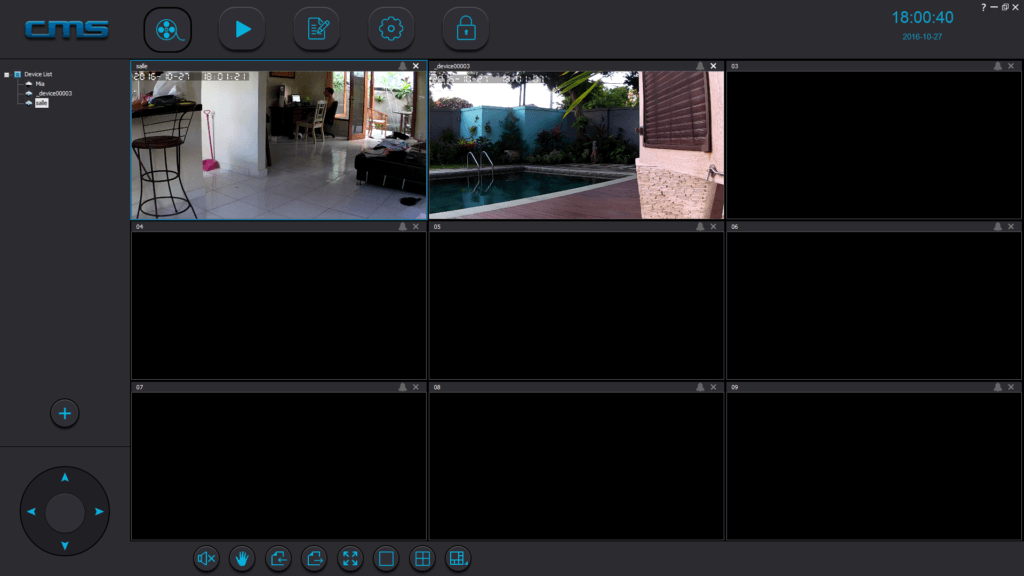
Videos from your PC
The SPRO360 and SPRO1 can be added to the CMS2 software:
You can download it here.
First create an account for our TecTecTec application (under Android or iOS). When you connect on your PC, change the language to “English”.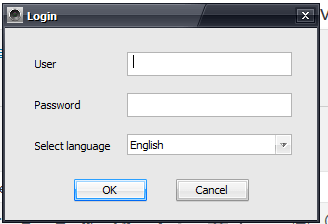
- Press the “+” button
- Then “Manual Add Device”
- “3C ID” is the ID of the camera
- Device password: Enter the camera password (“123” by default)
- Device name: Choose the name of the camera (e.g. “Lounge”) and then press OK
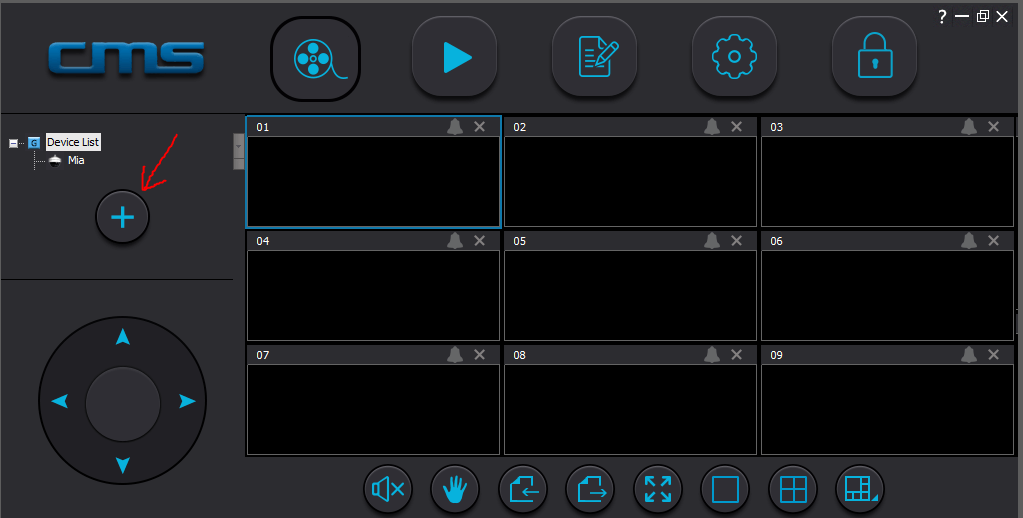
- Select one of the rectangles and double-click on the camera you want to add (in the left column).