
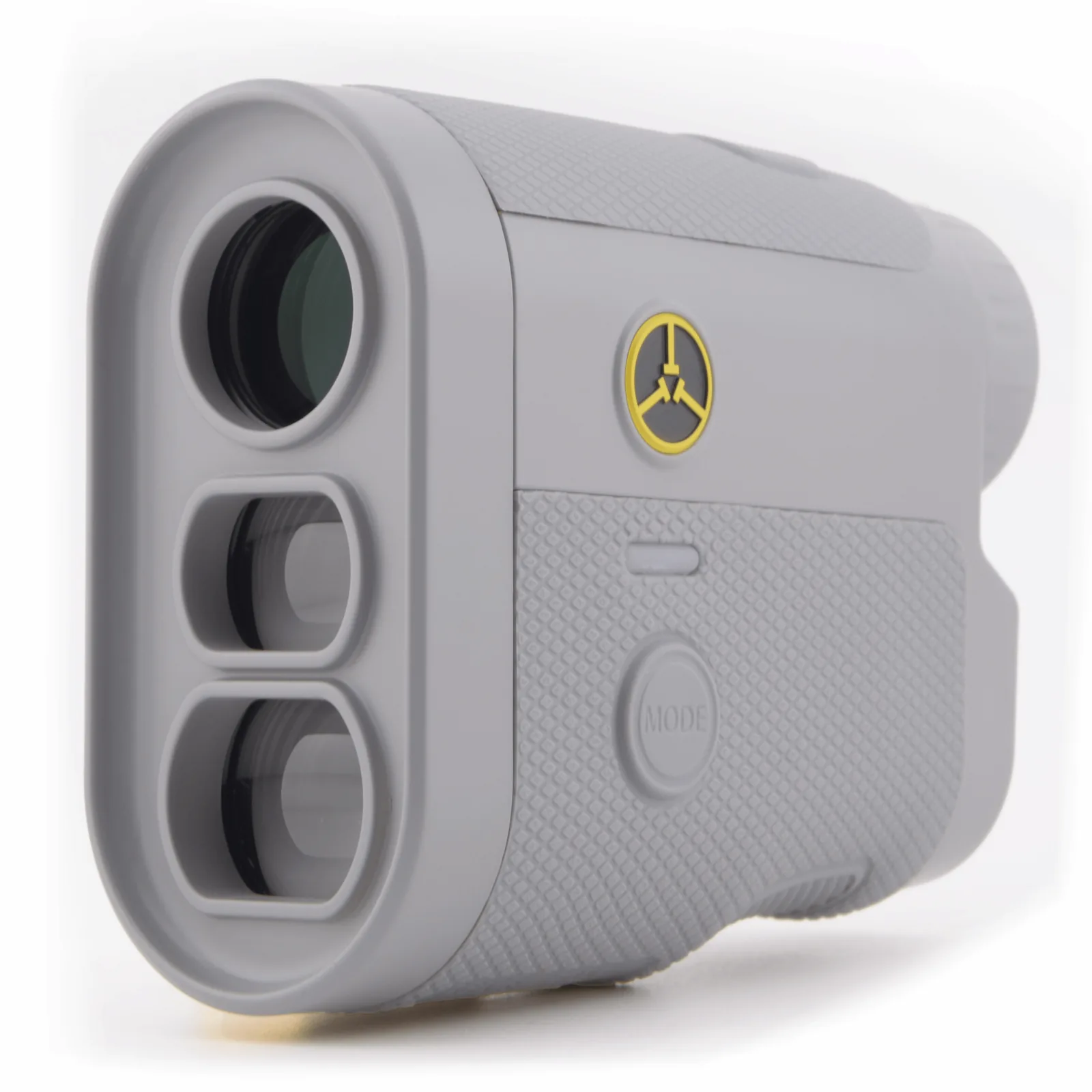
1. Start with your own model
Check the name and edition on your rangefinder before following setup instructions. A PINM8 charges through USB-C, a VPRO500 uses a CR2 battery, and an ULT-S uses a CR123. The controls and power source are not interchangeable.
Use the manual for your device to charge it or install its battery. Then turn it on and adjust the eyepiece until the display and view are clear.
Find units and battery help by model ↗2. Check yards, meters and the target
Look for the unit indicator before comparing a reading with a course marker or a playing partner’s device. A number in meters will differ from the same distance in yards.
A laser measures the target you aim at. A GPS watch’s front, center or back-of-green distance refers to a different point from the day’s flag position. Make sure you are comparing the same target.
Compare a GPS watch and a rangefinder ↗3. Take a simple reading first
Start with an unobstructed target that is easy to distinguish from its background. On PINM8, Normal mode uses a short press of the power button for a single reading.
- Stand where you can see the target clearly, outside the cart windshield.
- Look through the eyepiece and put the aiming mark on the target.
- Hold the device steady, take the measurement, and check the displayed distance and unit.
4. Use the mode that fits the shot
Normal mode gives a single reading. Scan updates distances as you move between targets. Pin Seeker helps identify the flag against its background. A changing number during Scan is different from a single-target reading.
On PINM8 / PINM8 Pro, briefly press MODE until the flag indicator appears, then hold the power button while moving slowly across the flag. Keep the movement close to the flag so a nearer object is not selected instead. For another model, follow its own Pin Seeker instructions.
Slope mode adds an adjusted distance for an uphill or downhill shot. Check which distance the display is showing before choosing your club. For organized play, check the event’s equipment requirements with the organizer.
5. Pause when a reading looks unexpected
Check the unit, mode, charge and target again. Adjust the eyepiece if the image looks blurred. Make sure your hand is not covering the optics and that you are not measuring through glass or plastic.
If the problem continues with a clear target and the correct settings, tell support your model, edition and the behavior you see. A useful description is better than repeatedly changing settings at random.
Troubleshoot a reading ↗Keep your model’s manual handy.
The manual has the controls, diagrams and care instructions for your device.