
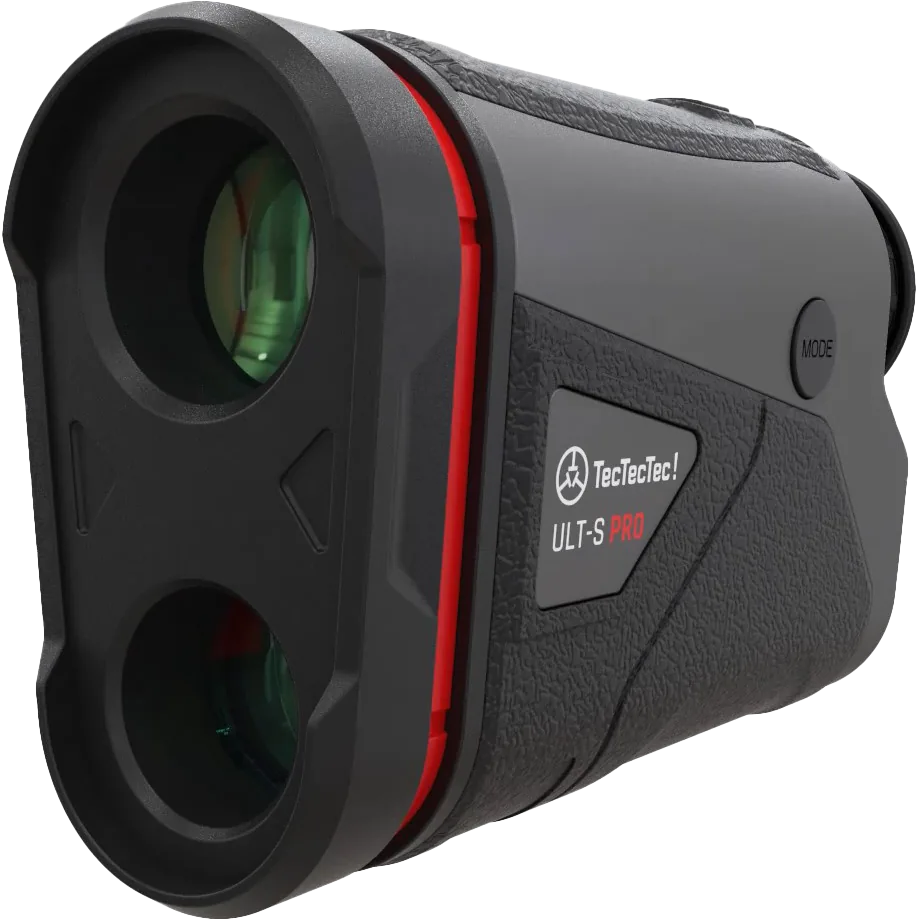
A steadier view of your target
When you look through a magnified view, small hand movements can make the target appear to move around. Optical image stabilization helps reduce that visible movement so you can keep your attention on the target.
The ULT-S and ULT-S Pro manuals describe automatic optical image stabilization. Once the device is on, there is no separate setting to activate it. You still aim the rangefinder and choose the measurement mode.
Stabilization, target lock and slope do different jobs
Stabilization helps steady the image you see. Target-lock vibration provides feedback when the device identifies a target. Slope compensation calculates an adjusted distance for elevation changes.
A device can offer target-lock vibration without optical stabilization. For example, PINM8 Pro offers vibration, a red LCD and a magnet; optical image stabilization is a feature of the ULT-S range. Choose according to the feature that helps your game.
Compare the rangefinder features ↗What it helps with — and what you still do
A steadier image can make aiming more comfortable, especially when you find the flag difficult to keep in view. It does not choose your club, remove objects between you and the target, or guarantee that every reading is to the flag.
Keep the optics unobstructed, adjust the eyepiece for a clear view and check the mode and unit shown. Use Pin Seeker according to your model’s manual when the flag sits in front of other objects.
ULT-S or ULT-S Pro?
Both models offer optical stabilization. ULT-S has a black LCD display; ULT-S Pro uses a red TOLED display with brightness settings. The Pro’s display settings are additional to the automatic stabilization function.
Check the product pages for each model’s full specifications, current price and availability. If you already own one, use its exact manual when changing settings.
Explore ULT-S ↗Keep your model’s manual handy.
The manual has the controls, diagrams and care instructions for your device.