
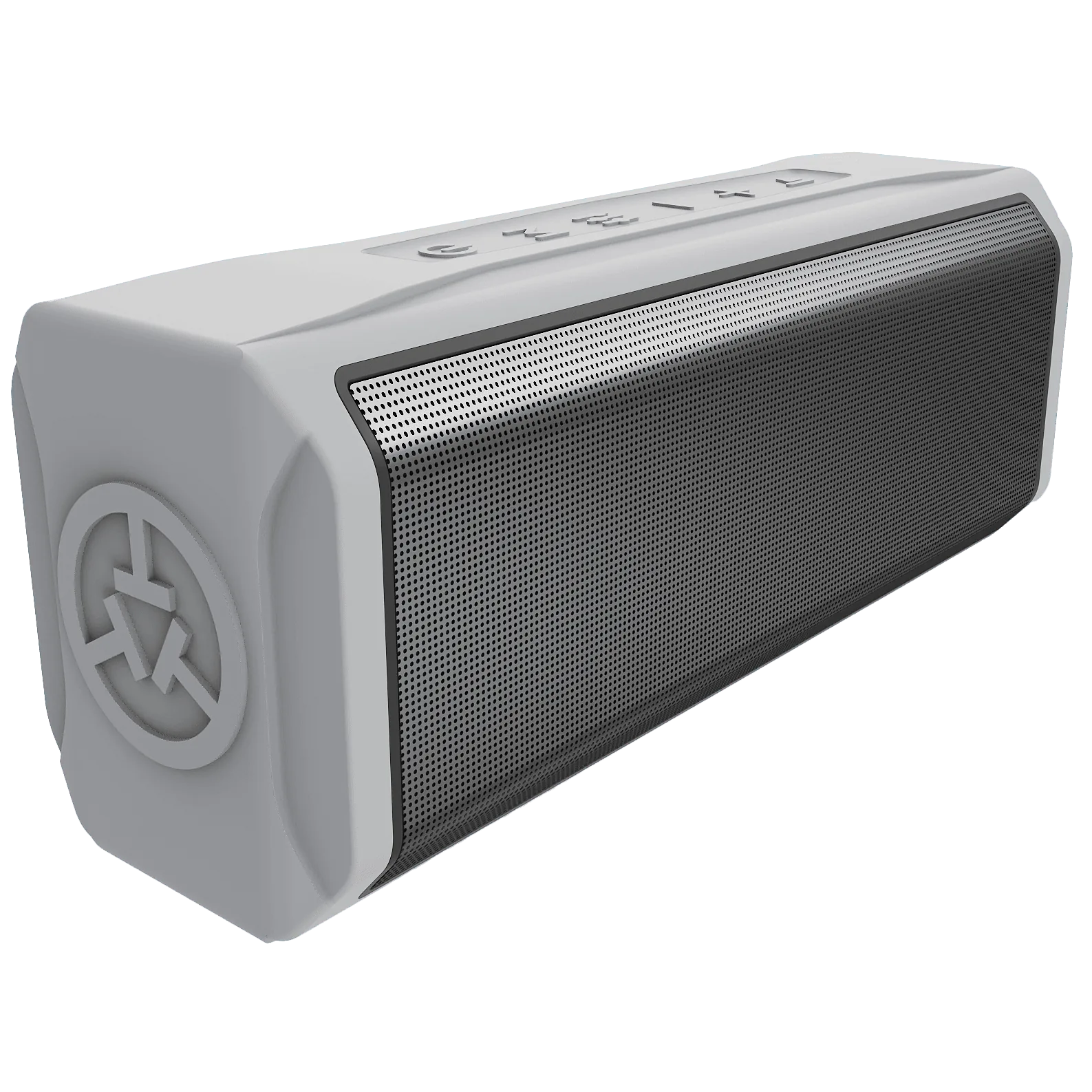
Your course information, spoken aloud
A golf GPS speaker combines audio playback with spoken distance information. In the TEAM8 range, it gives you another way to check course distances without looking through a rangefinder or checking a watch.
GPS green reference distances and a laser reading to the flag describe different points. Think about which information you want and how you prefer to receive it.
Compare the other ways to get your distances ↗The phone is part of the setup
The TEAM8 S manual starts with the TecTecTec Golf GPS app, account setup and pairing with your phone. Follow the instructions supplied with your own model rather than treating it as a standalone GPS watch.
For TEAM8 L, the manual specifies location access and a Wi-Fi or cellular Internet connection. Its GPS distances use the phone’s position. Keep that in mind if you leave your phone in the cart and walk to your ball.
Before a round, charge the equipment, complete pairing and confirm that your phone has the permissions and connectivity described in the manual. Phone battery and reception are part of the experience.
Download the TecTecTec Golf GPS app ↗Choose the model for the way you carry it
The smaller TEAM8 S and larger TEAM8 L offer different formats. Look at the dimensions, mounting arrangement and controls on each product page, and think about where the speaker and phone will be during your round.
Check the exact color and version before buying accessories or comparing specifications. An article about a different TEAM8 model does not establish the battery life or features of yours.
Explore TEAM8 S ↗Check audio and GPS separately
If TEAM8 L audio comes from your phone instead of the speaker, its manual directs you to check pairing in the phone’s Bluetooth settings. More than one TEAM8 L entry may appear. Use the model’s setup instructions to complete the connections.
If audio works but distances do not, check the GPS app, location permissions and Internet connection described in the manual. Tell support which of these functions works and which one does not.
Get setup help ↗Make it fit your round
Use an audio level that works for your group and follow the course’s guidance. If you prefer a private visual yardage check, the ULT-G Golf GPS Watch is another option; if you want a reading to a specific visible target, consider a laser rangefinder.
Explore the ULT-G Golf GPS Watch ↗Keep your model’s manual handy.
The manual has the controls, diagrams and care instructions for your device.