Hear the green.
Tap the right earbud to hear your green distances. The app lets you choose the middle only or front, middle and back.

 01 / 02
TecTecTec / Golf
Your music. Your distances. Your round.
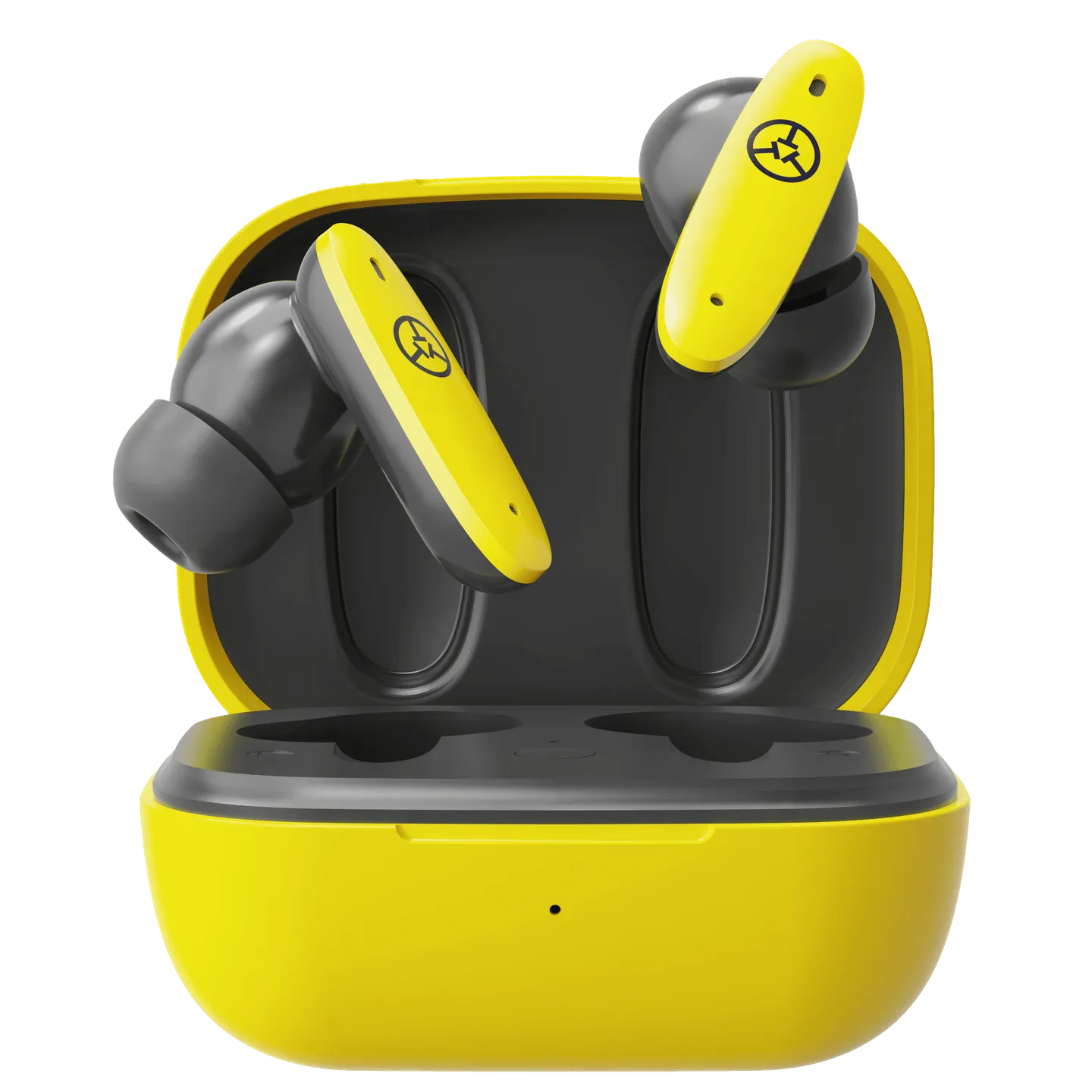
Listen to your distances with TEAM8 E golf GPS earbuds. Touch controls put green and hazard information in your ear, with music and phone calls through your connected smartphone. Golf GPS uses the TecTecTec app and your phone’s location.
Out of stock
Enter your contact and delivery details to complete your order.
Explore the detailsGreen distances
Tap for nearest hazard
Shot-distance measurement
Tap the right earbud to hear your green distances. The app lets you choose the middle only or front, middle and back.
Double-tap the right earbud for the nearest hazard, or press and hold to measure the distance of a shot.
Golf distances come from your smartphone’s GPS through the TecTecTec Golf GPS app. Keep the connected phone with you for readings from your position.
From TecTecTec
Selecting play allows YouTube to receive device and viewing information and use cookies or similar storage. You can close the player at any time. YouTube privacy
Playing this video connects your browser to YouTube. Open on YouTube ↗
The details
The right earbud controls golf distances; the left controls music and calls. Keep your connected phone with you: GPS distances are measured from its location.
Get to know your equipment
Original manufacturer instructions · PDF
No. Golf distances use the TecTecTec Golf GPS app and the connected phone’s location. The golf features also require a continuous Wi-Fi or cellular Internet connection. Pair the earbuds and grant the app the location permissions described in the manual.
Yes. The right earbud controls green and hazard distances and shot-distance measurement.
Tap the left earbud once to play or pause music. Tap twice to answer or end a call; press and hold to reject an incoming call.
From your connected phone’s location, not from the earbuds. Keep the phone with you while using the golf features.
Open your phone’s Bluetooth settings and pair TEAM8 E for audio, following the manual. You may see two TEAM8 E entries in the Bluetooth settings.
No customer reviews yet.